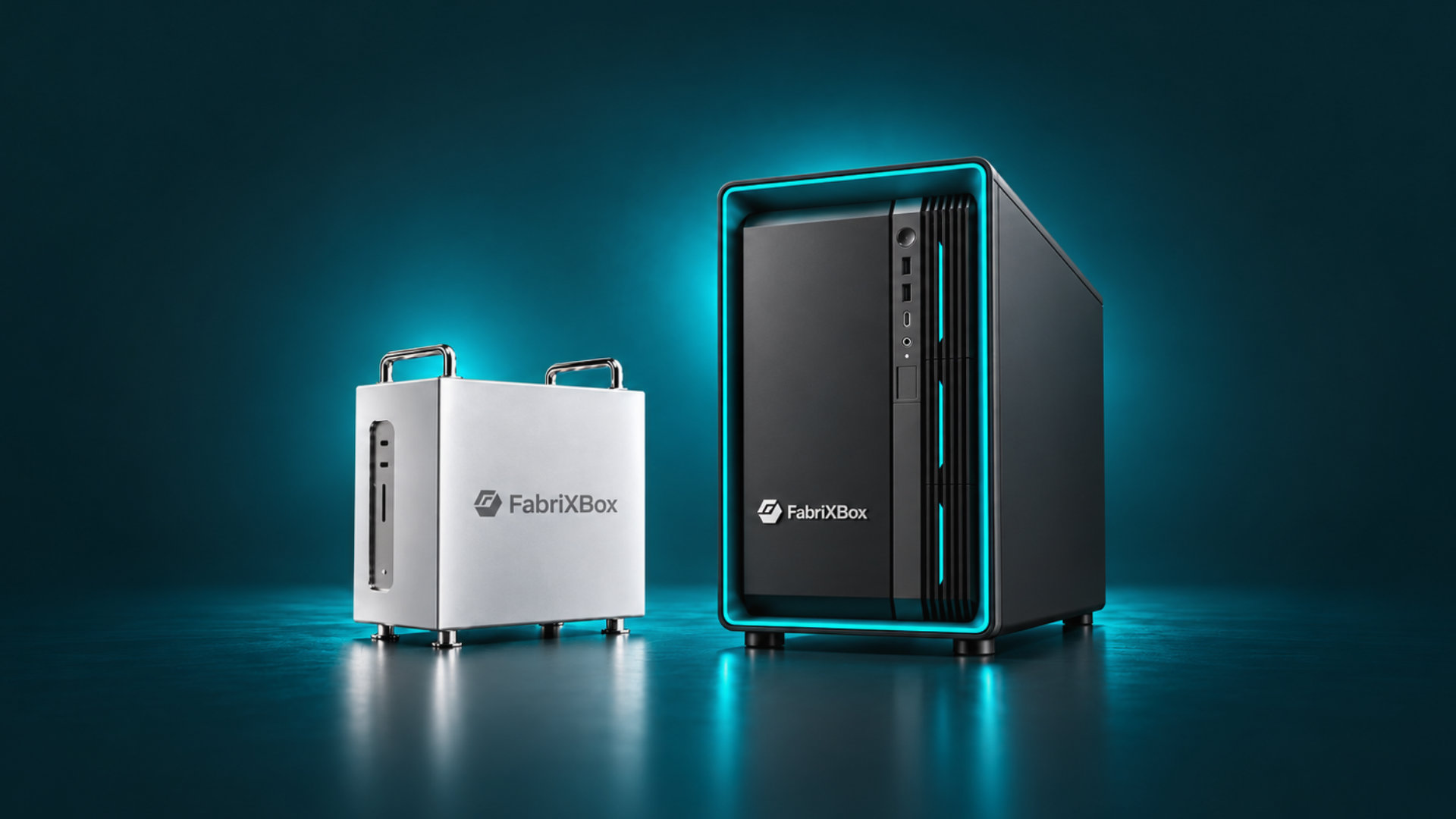
Configured before it reaches you.
Your selected models and Agent Apps Starters arrive installed, with commissioning to prepare the appliance for your organisation.

Bring local AI models, secure agent execution and ready-to-use Agent App Starters together in one governed, on-premises AI experience.
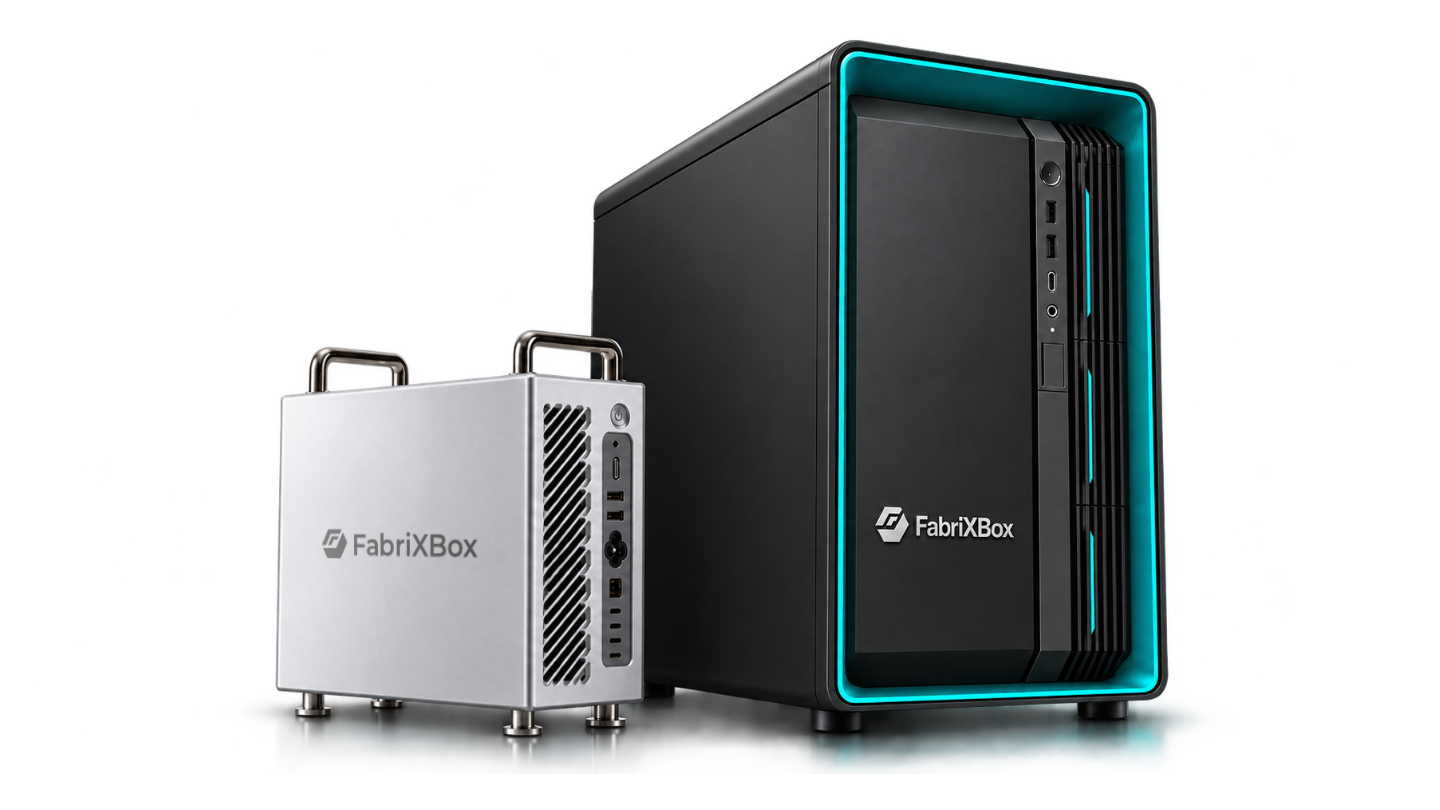
3D-rendered concepts for illustration purposes only.
Give your teams useful AI workflows without assembling and maintaining the stack yourself. FabriXBox brings deployment, agent controls and ongoing support together, so IT can manage one solution while teams focus on the work.
Two ways to bring private AI on-premises: FabriXBox Studio Series (Mac Studio) and FabriXBox Workstation Series (RTX Pro Powered Workstation). Both are configured around your selected models and Agent Apps.
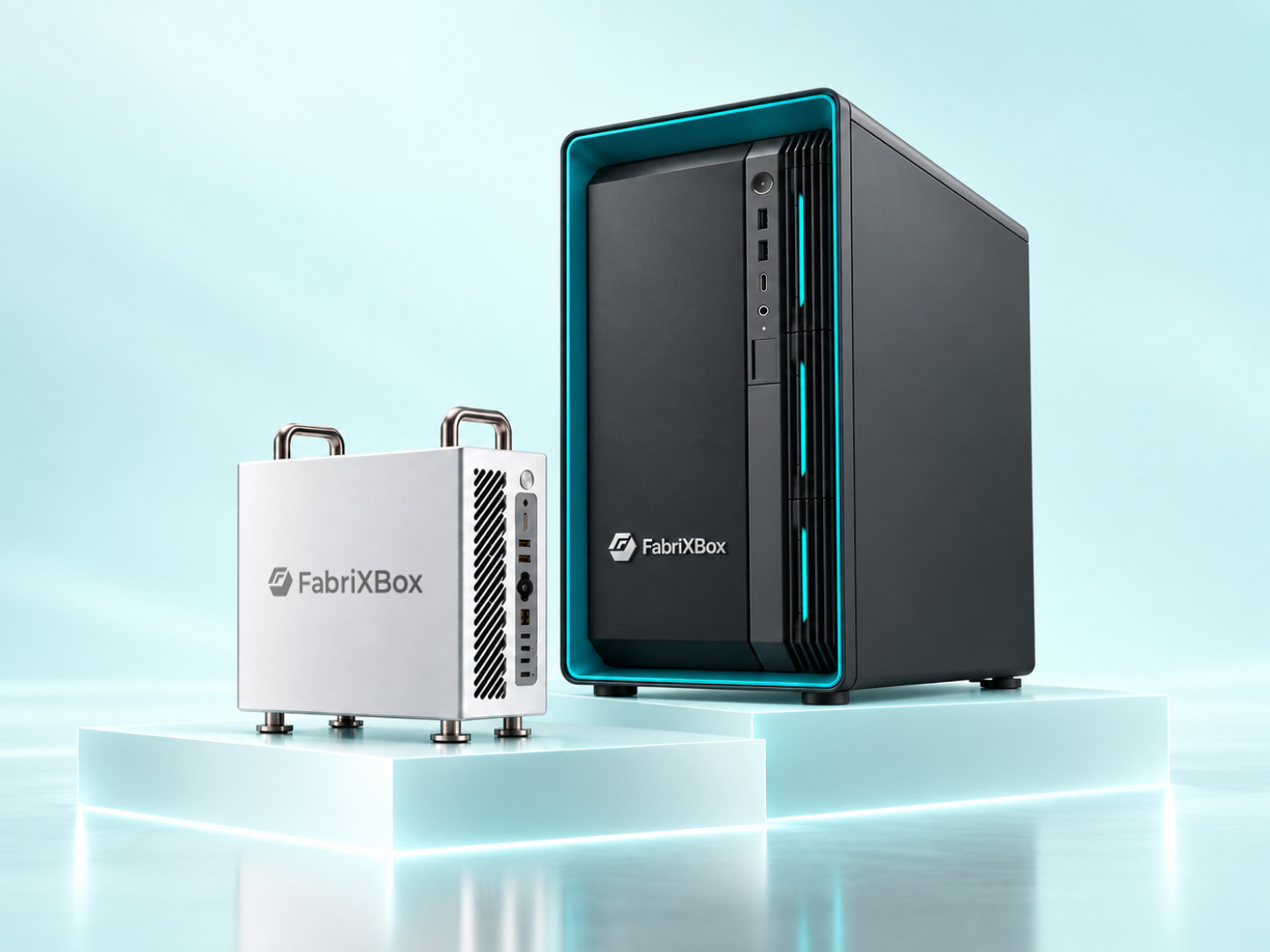
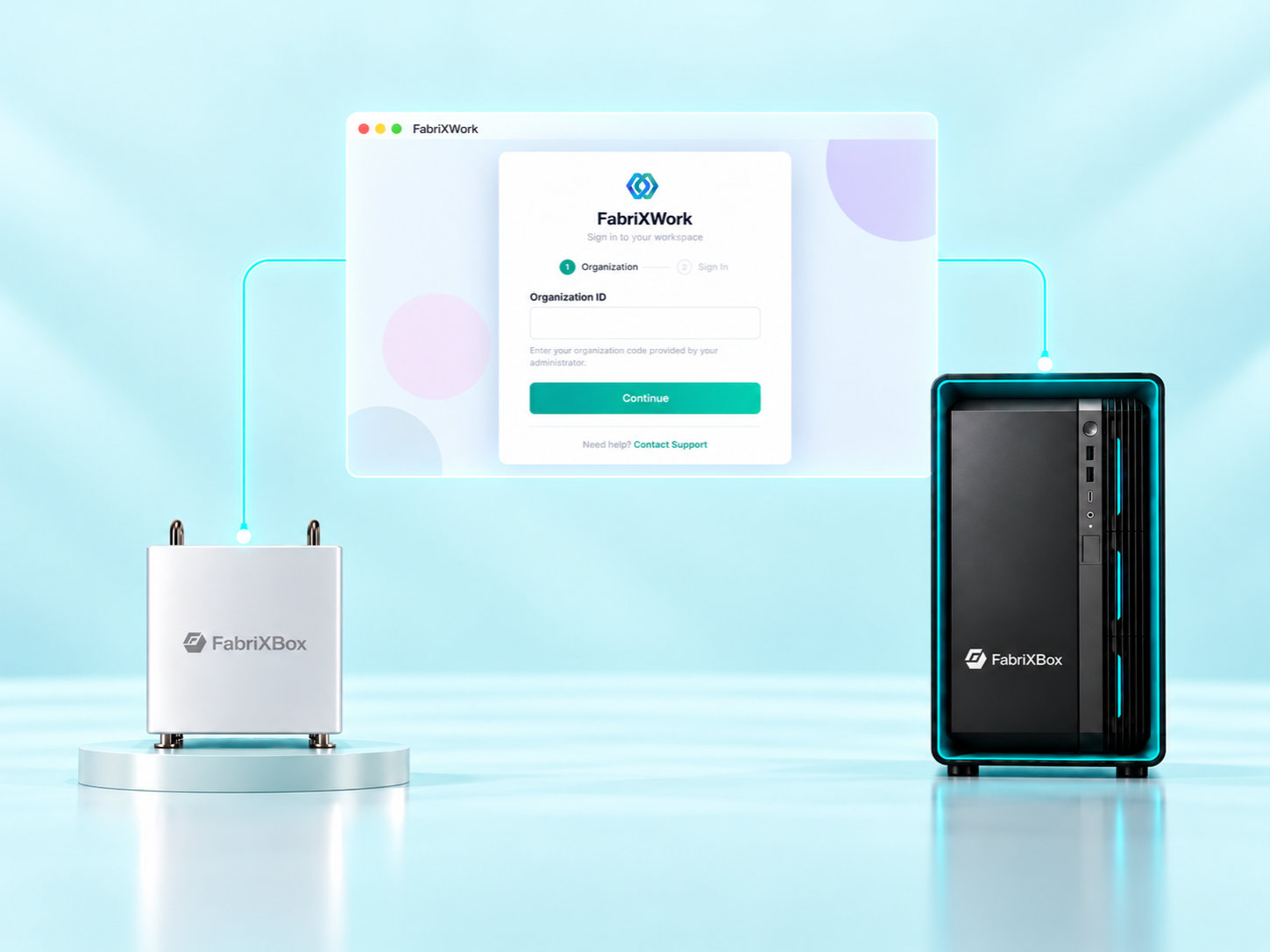
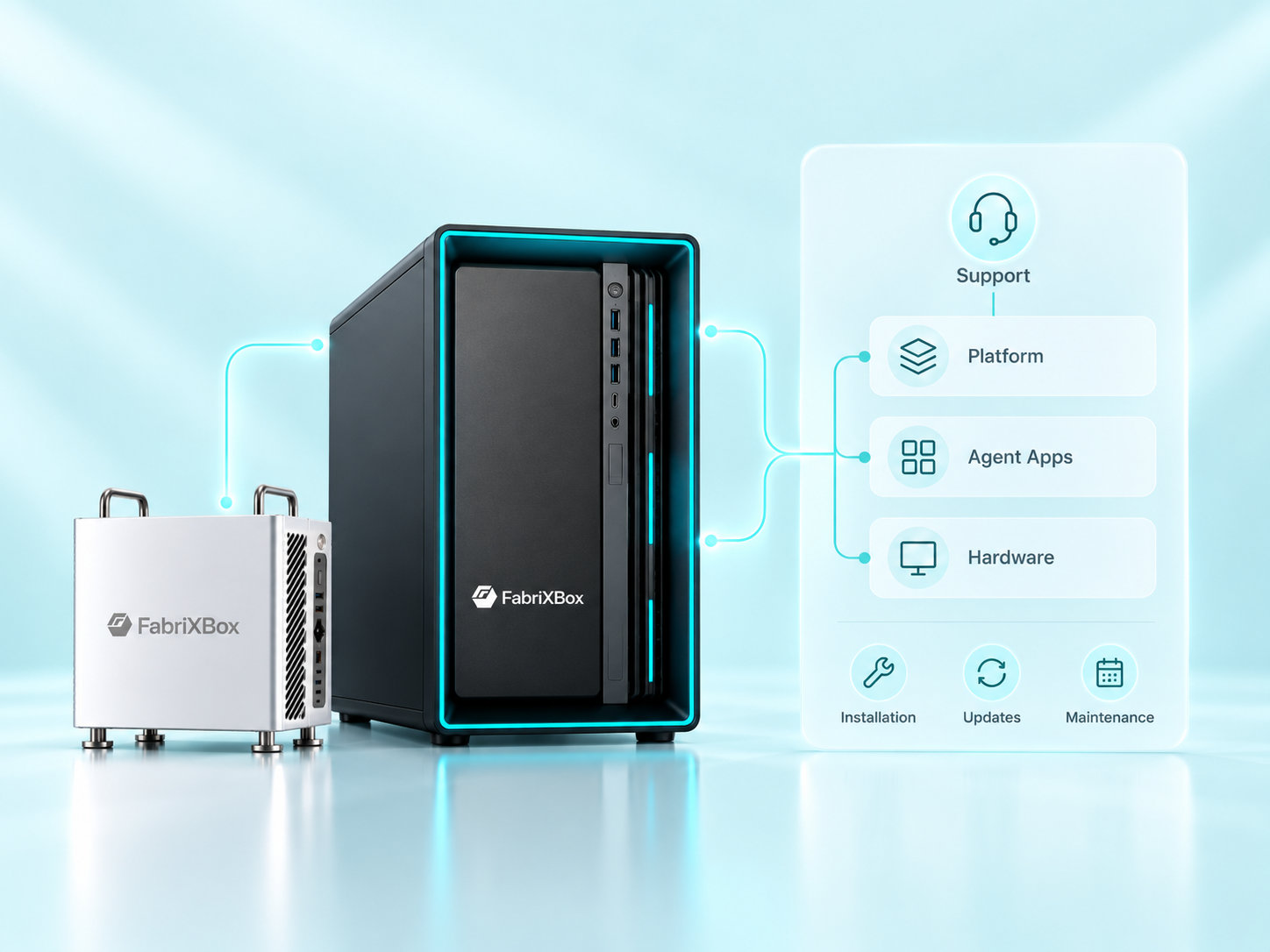
Your selected models and Agent Apps Starters arrive installed, with commissioning to prepare the appliance for your organisation.
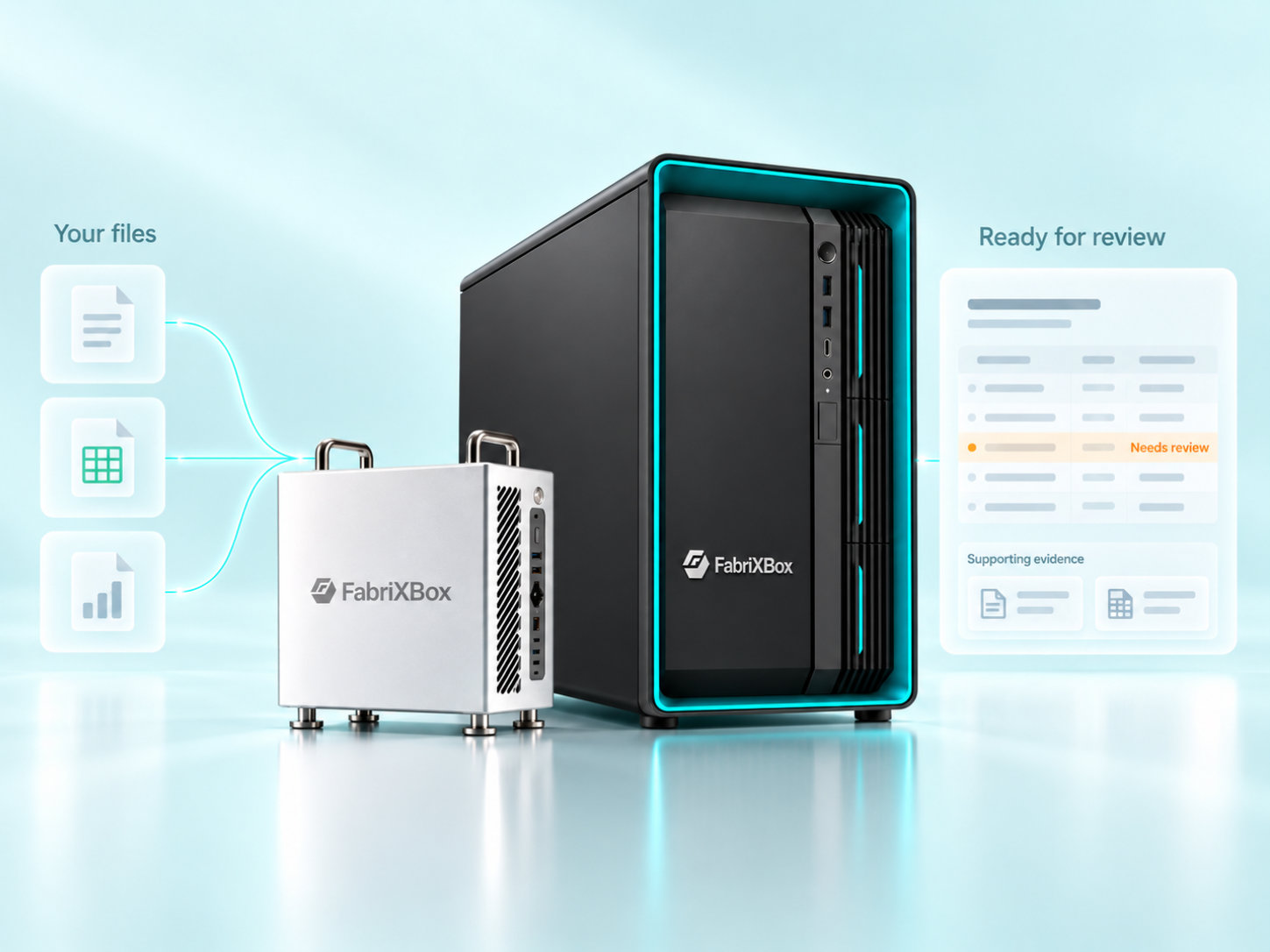
Agent Apps work with your documents, spreadsheets and data exports, returning finished work with supporting evidence, without requiring integration into business systems. All file processing takes place locally within your FabriXBox, keeping sensitive and highly confidential information within your own environment, under your organisation’s control.
Choose FabriXBox Studio Series for a Mac Studio-powered solution or FabriXBox Workstation Series for an RTX Pro Powered Workstation. Both series share the FabriXWork platform, Agent App library and governance controls.
Get coordinated support across the platform, Agent Apps and workstation hardware, with installation, updates and ongoing maintenance brought together.
Each Agent App follows a documented method, works from supplied materials and returns outputs with supporting evidence. Uncertain items are routed for human review.
Validate forms, claims and expenses against your rules; flag exceptions with source evidence.
Compare tenders, proposals and suppliers against stated requirements, with cited findings.
Extract data from PDFs, scans and forms into structured outputs, with uncertain entries sent for review.
Draft proposals, contracts and business documents from approved templates and supplied data.
Turn exported business data and permitted external sources into reports for human review.
Create focused viewers, data-quality checks and tagging tools around your own files and data.
Tell us which documents or process you want to improve. We can discuss a suitable starter or a private Agent App adapted to your workflow.
Define what agents can access, how data can be shared, and when human approval is required, with policies enforced at runtime.
Your data is processed locally within FabriXBox by default, keeping sensitive information within your organisation. Any sharing with external AI services is controlled by your company's security policies, ensuring your data remains protected.
Each user works in a separate, secure environment. AI tasks are kept isolated, with access to files and networks restricted to only what is necessary, helping prevent unauthorised access or data exposure.
FabriXBox keeps a clear record of AI activities so your team can easily track and review what happens. Tasks requiring attention are flagged for human review, while sensitive or high-risk actions must receive human approval before proceeding.
Your IT team can set and manage security policies across all FabriXBoxes from one place. Control who can access what, set usage limits and ensure every device follows your organisation's security requirements.
Explore our two hardware series, then choose a configuration suited to your models, workload mix and expected concurrent use. Specifications and capacity depend on the selected hardware.
Both series run FabriXWork, with the same Agent App library and governance controls. Hardware and memory are configured to fit your workload.
Choose Studio Series or Workstation Series to suit your deployment preferences, workload and hardware requirements.
Illustrative engineering projections, not measured benchmarks or simultaneous-user guarantees. Actual capacity varies by model, workload and hardware configuration.
Mac Studio-powered private AI solutions for teams looking for an integrated Apple Silicon hardware option.
Hardware: Apple Mac StudioPrivate AI solutions built on RTX Pro Powered Workstation hardware.
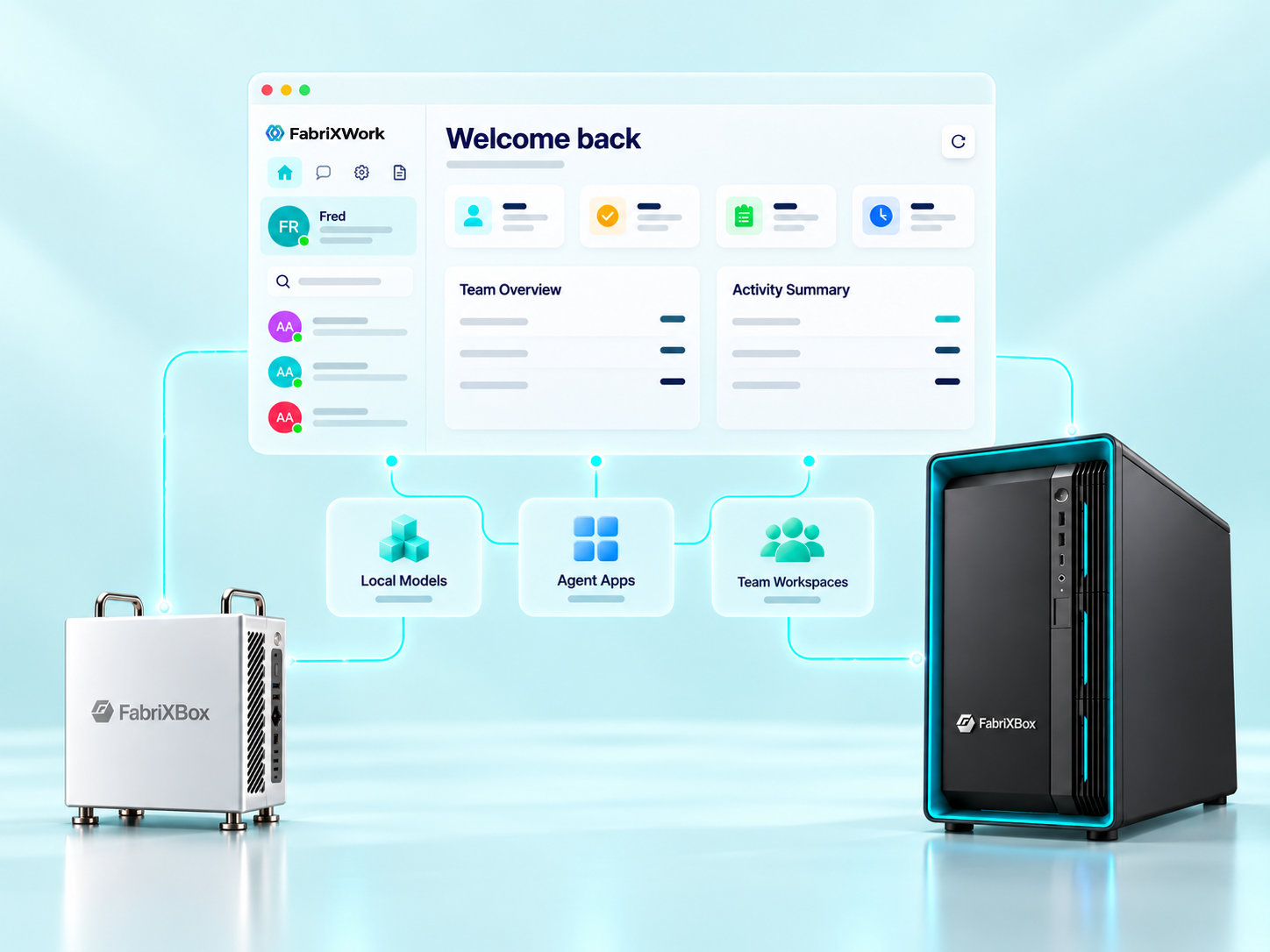
Hardware: RTX Pro Powered WorkstationFabriXBox connects local models, Agent Apps and user workspaces in one software environment. Teams run their workflows while IT manages access, usage and policies centrally. FabriXWork, the software environment for selecting models, running Agent Apps and managing team workspaces.
Coordinate Agent Apps and model inference through a model-agnostic platform, with access and usage managed centrally.
Give each user a workspace for their own files and tasks, with individual policies and quotas managed by IT.
Use organisation controls, policy routing and audit records to oversee how the appliance is used.
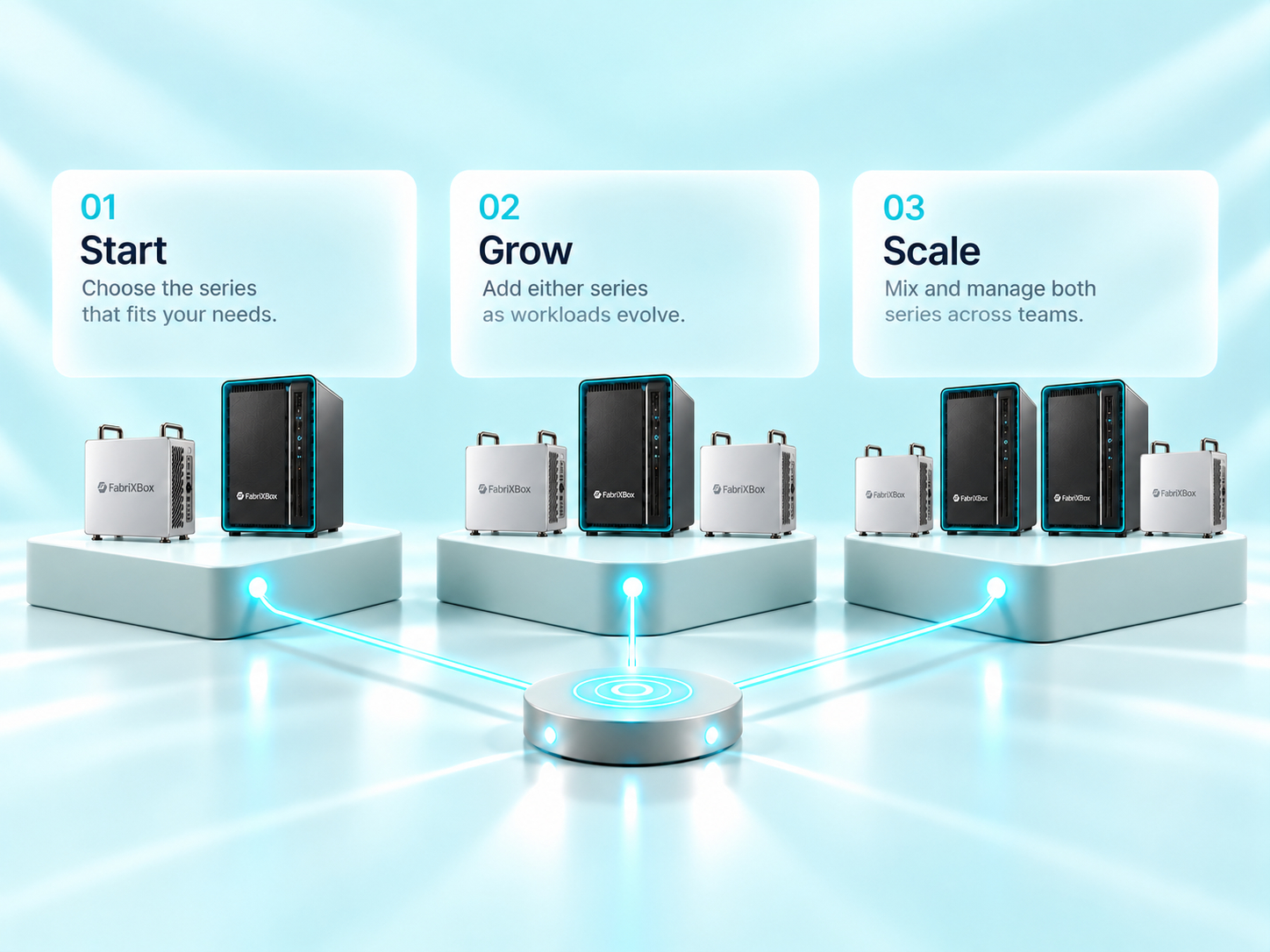
Start with a single FabriXBox for your team or pilot project, then expand as your business grows. Simply add more FabriXBoxes from either series to handle increasing workloads. All devices work together as one connected system, sharing tasks automatically. Your existing FabriXBoxes stay in use, making it easy to scale without replacing hardware or starting over.
Tell us about your team, workloads, preferred FabriXBox series and governance needs. We’ll help size the deployment and discuss support, ongoing optimisation and next steps.